Share a Team in OneDrive, Google Drive, or iCloud
Because your whole team is just a folder of files, you can share it with someone else — you both simply point your own AI at the same folder.
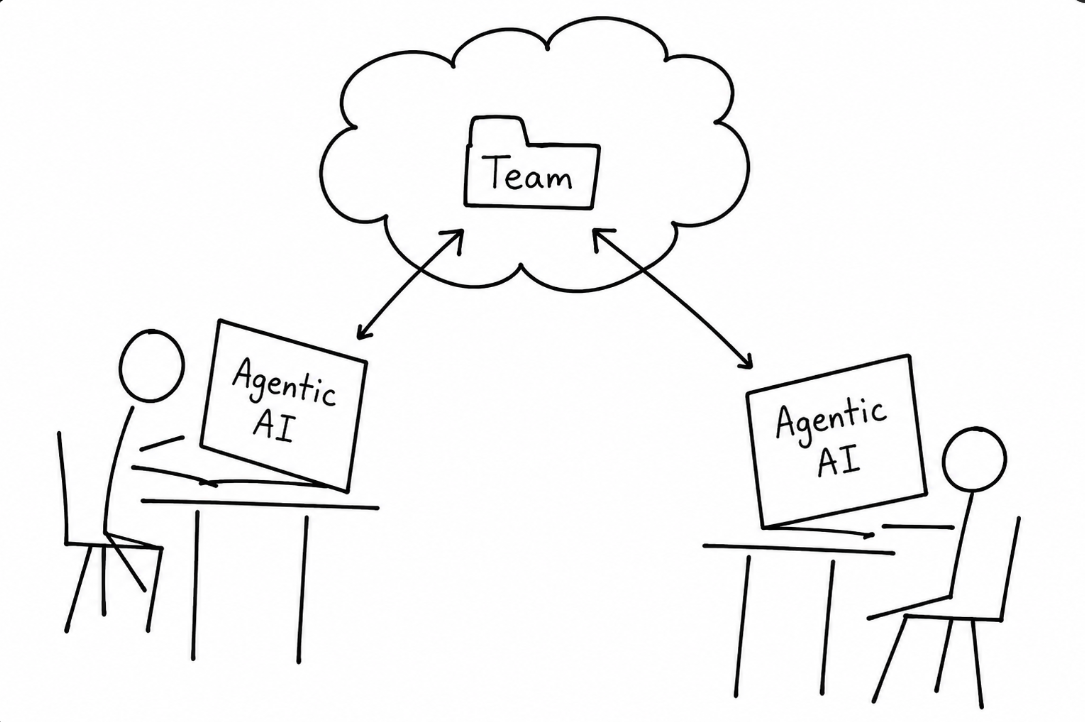
How it works
- Put the team folder in a cloud-based location you both can access — OneDrive, Google Drive, or iCloud. That shared folder becomes the team's home.
- Each person creates their own project in their agentic AI tool (ChatGPT Codex or Claude Cowork) and points it at that same shared folder.
- That's it — you can now both work with the same team, each from your own computer.
Coordinate so you don't undo each other's work
One important catch: each person's project can add things to and remove things from the team — creating, editing, and deleting files in the shared folder. If you both work at the same time, you can overwrite or undo each other's changes.
So coordinate. Agree on who's working when, or split up which parts each of you touches — the same way you'd take turns editing a shared document.
← Back to Overview